
How AI Backyard Design Works (and What You Get for Free)
From one photo to a concept of your own backyard in the look you love, before and after, day and night: what the YardVida studio does and how.
By Kiarash Khamoushi · Updated September 29, 2026 · 2 min read
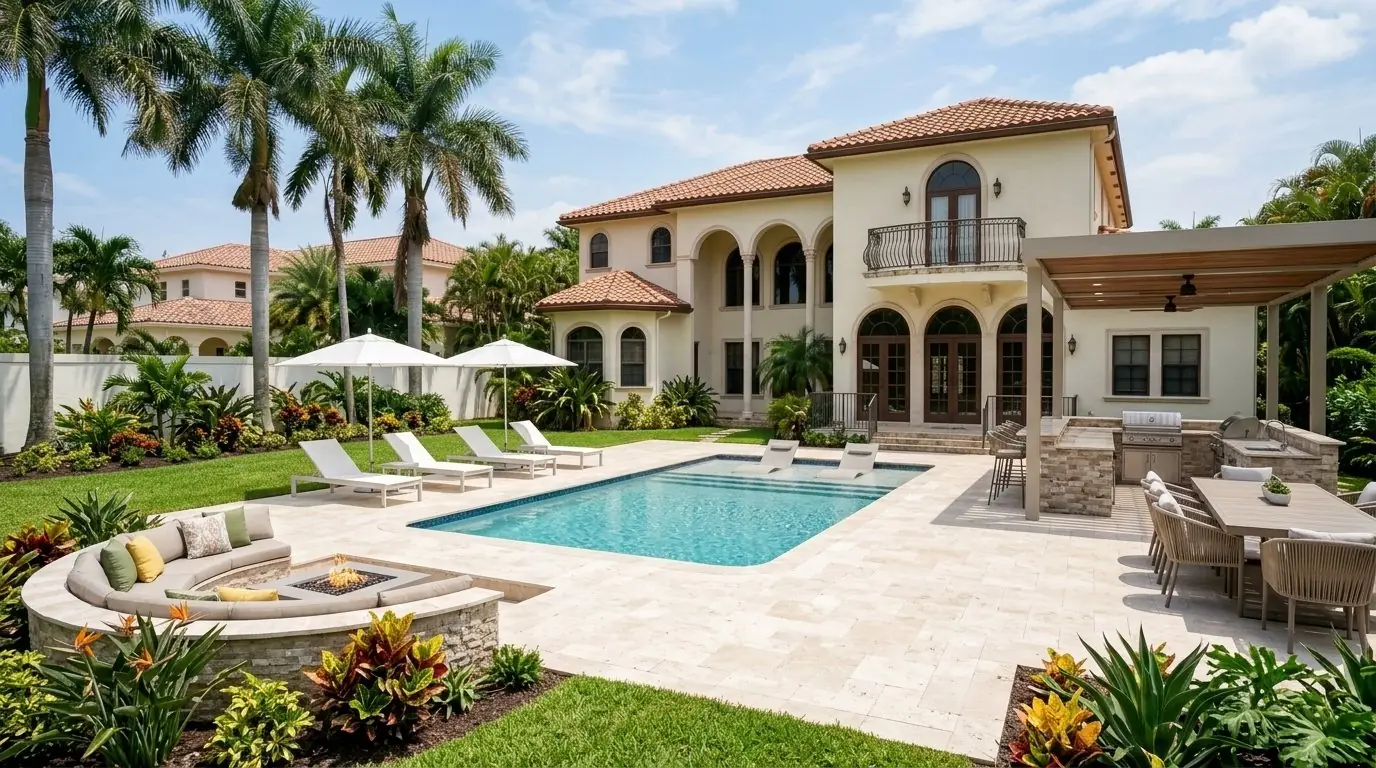
Most AI design tools just repaint a photo with random ideas. YardVida starts from your home and a look you choose, then shows it realistically on your own backyard. Here's how it works, step by step.
Step 1: Pick the space
Backyard or front yard. The backyard covers the pool deck, outdoor kitchen, lounge and planting. The front yard covers the entry, driveway, walkway and curb appeal.
Step 2: Your address
We look up your property so your concept fits your home and lot.
Step 3: One photo
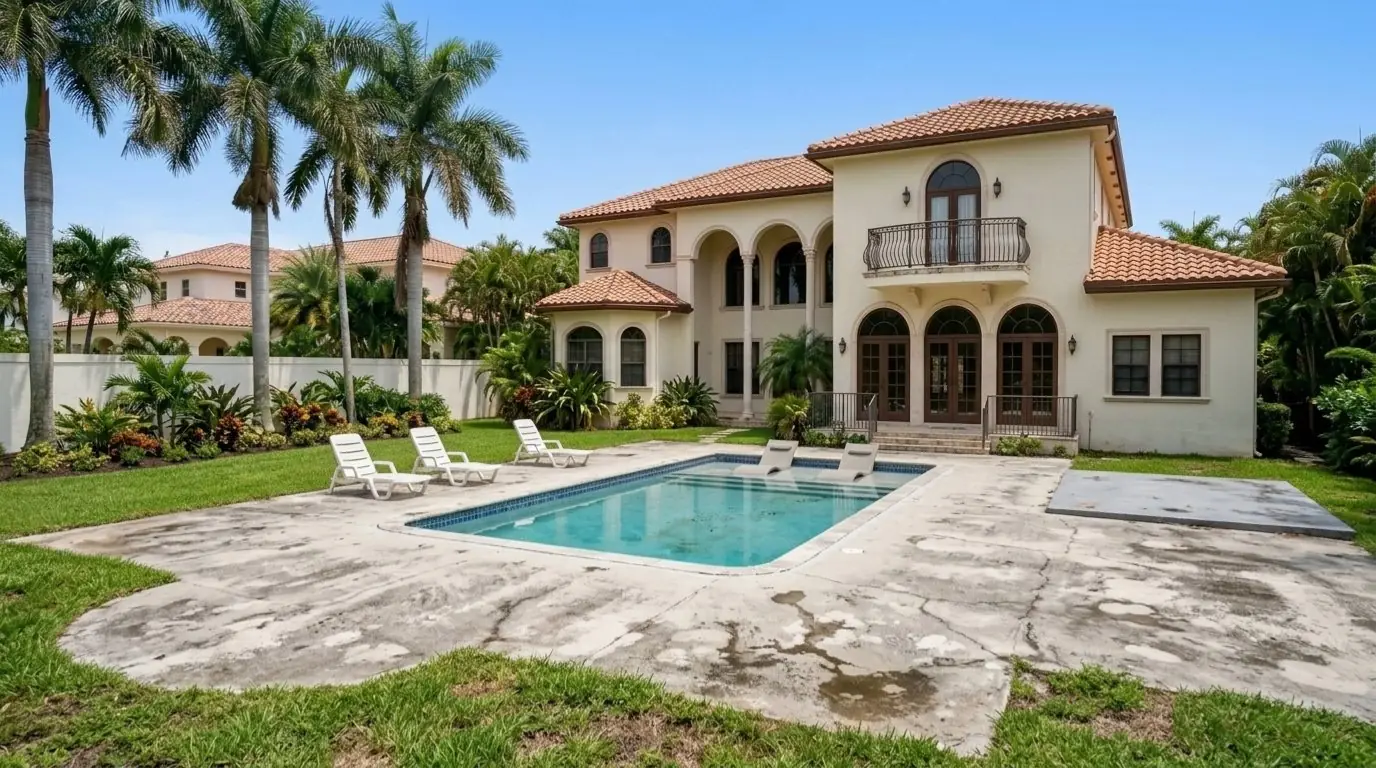
Upload one wide photo taken from the yard, looking back at the house. No account setup, no card.
Step 4: Pick the look you love
Choose from ten South Florida styles, like Mediterranean Classic, Modern Infinity, Clean Contemporary, Tuscan Garden or Coastal Retreat. You confirm your mobile number so your concept is saved to your own account.
Step 5: Your concept, before and after
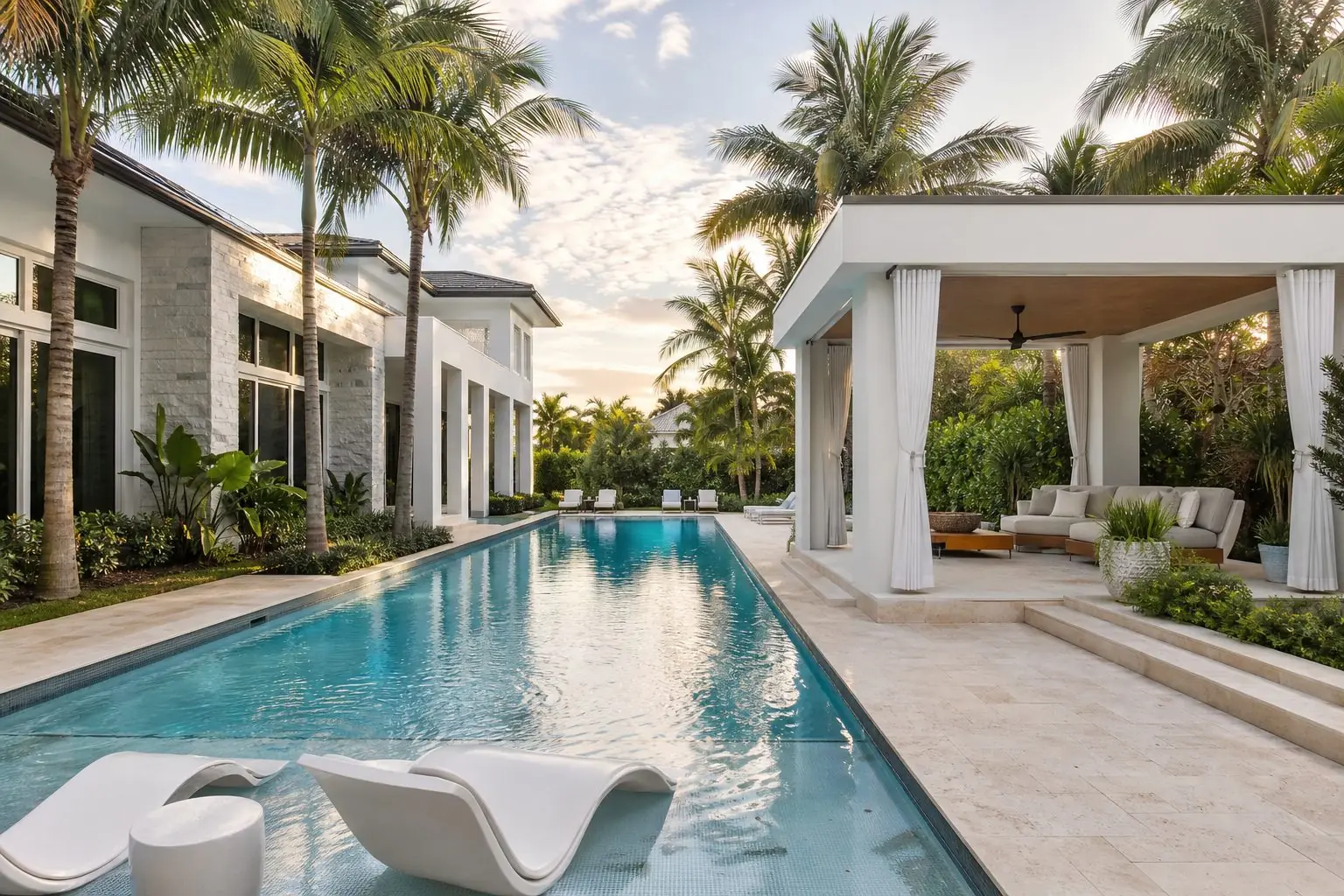
We make your concept on your own photo: your house, your pool, your palms, with the new deck, kitchen and lounge. Drag the line to compare before and after, and switch to night to see the lights, the pool glow and the fire.
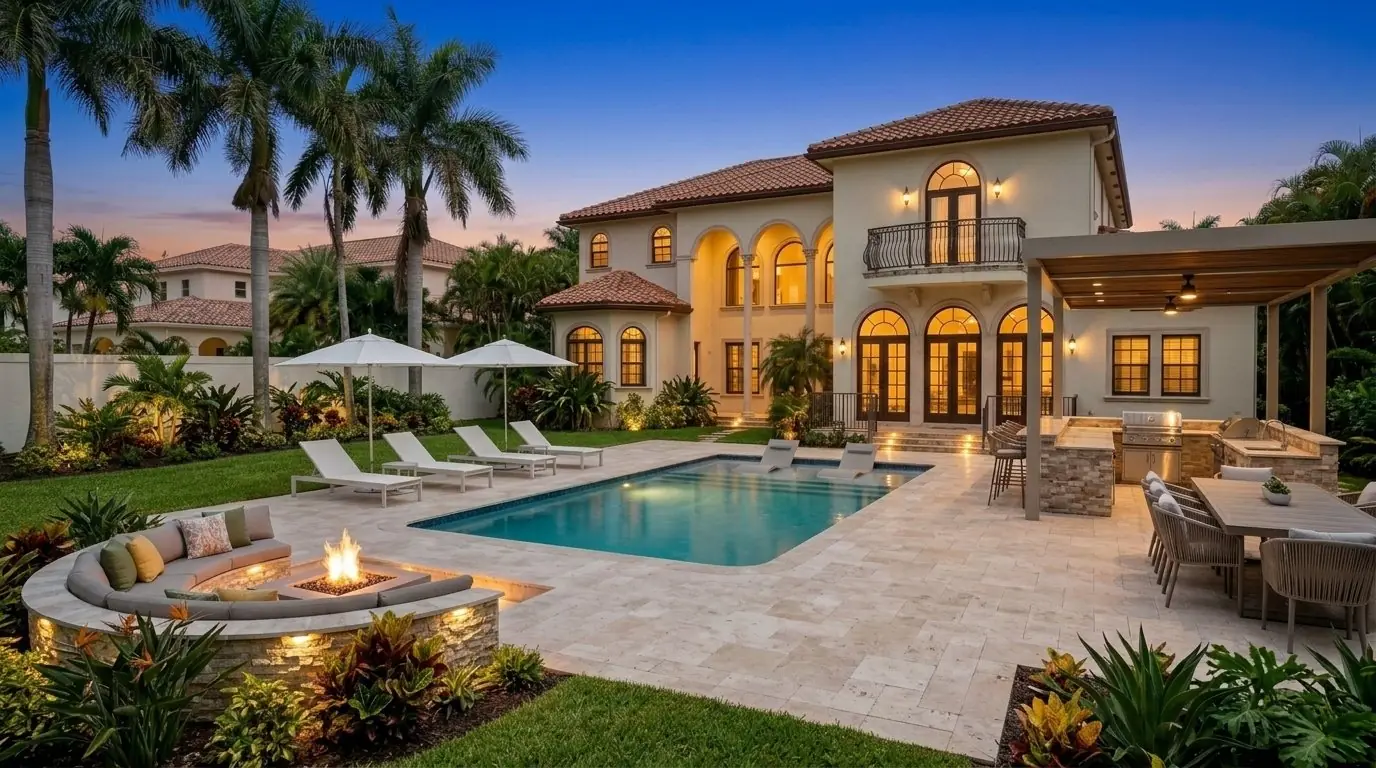
Step 6: Try another look, or fine-tune it
Curious about a different style? Pick another look any time. You can also ask the Vida AI designer for small changes, like a round fire pit or lighter stone.
Step 7: Make my project live
When you're happy with your concept, press "Make my project live" to see a short drone view of your finished backyard.
Step 8: Ask for proposals
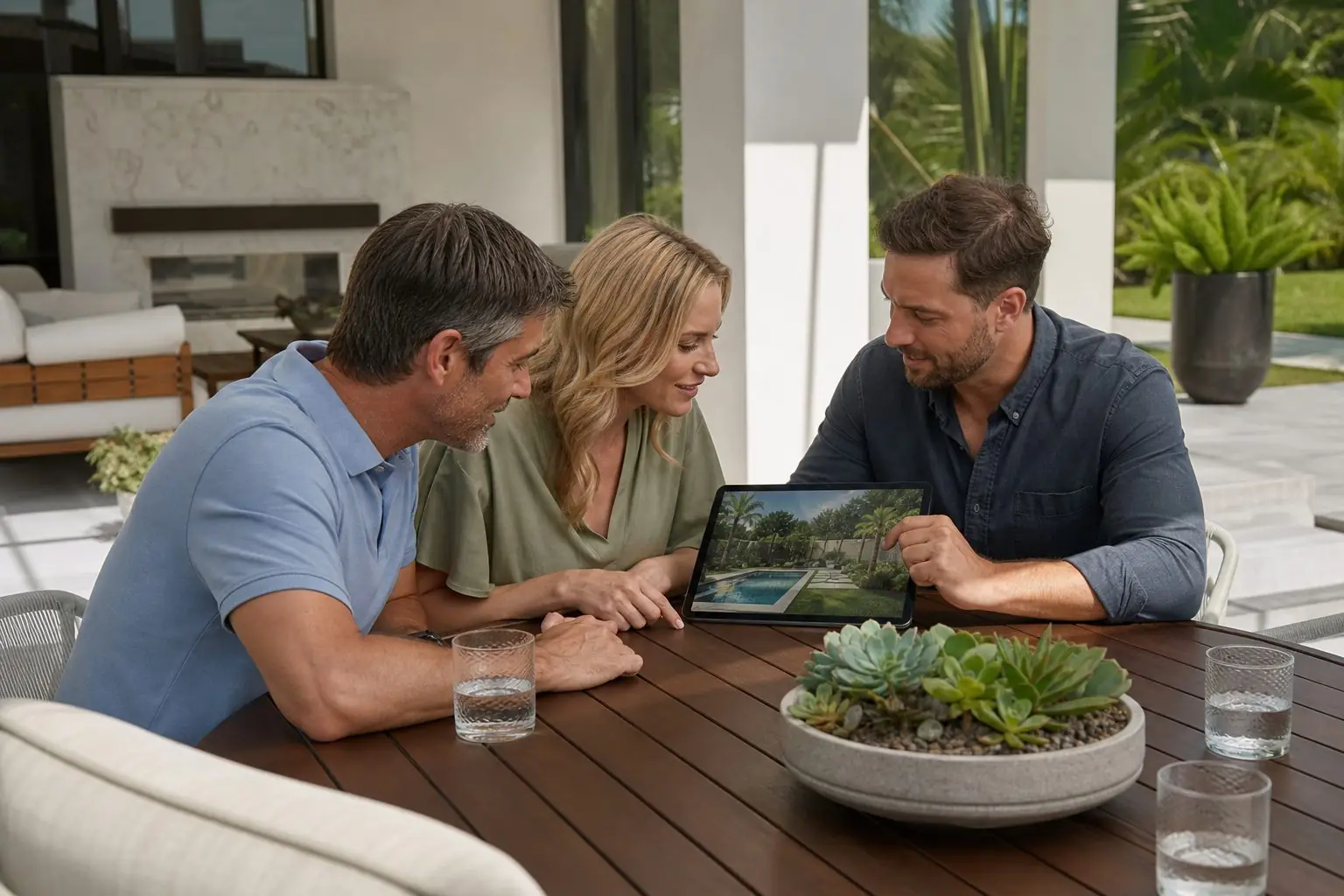
Everything is saved to your account. When you're ready to build, answer a few questions and up to 3 YardVida Certified Contractors price your concept. Read how proposals work.
What's saved in your account
- Your concept and every look you try
- Day and night pictures, and the before view
- Your drone video
- Your chat with the Vida AI designer
Log in any time with your mobile number and a text code to keep going or ask for proposals.
What AI design can't do
AI pictures are concepts. They can't see soil, drainage, underground utilities or what your city will require. That's why every project gets a site visit before the exact estimate, and why prices come from the contractors, not from the picture.
Questions homeowners ask
Is the YardVida concept really free?
Yes. Your concept, the day and night pictures, the looks you try and your drone video are free.
How accurate is an AI backyard concept?
It is made on your own photo and fitted to your home, but it is a concept. The contractor you pick confirms measurements and details at the site visit.
Can I change my concept?
Yes. Pick a different look any time, or ask the Vida AI designer for small changes.
Pictures marked as AI design concepts were created by the YardVida AI designer. Rules, permits and materials vary by city and property; your YardVida Certified Contractor confirms what applies to your home.
 October 28, 2026
 October 28, 2026
 September 29, 2026